



Maisonroll Mobile Access
Mobile gaming can be really convenient – and millions of our users who have installed the Maisonroll app would agree. Our solution doesn’t require you to download a large file or enable dozens of permissions. All you need is just a moment of your time and only a few MB of free space on your device.



Using Maisonroll on Mobile
If you prefer flexibility and mobility, we have two options for playing on small screens – the mobile browser version and the app. Each has its own advantages.
The main benefit of the mobile version is that you don’t need to install anything on your phone or tablet – you can simply open the Maisonroll Casino website, just as you would on a desktop device.
However, in every other way, it’s less convenient than the application. After all, the Maisonroll app removes the limitations of the browser version.
| Common User Questions | Mobile Website | PWA |
| How fast does it open? | It depends on your network speed. With a weak connection, you have to wait for the page to load again. | It opens instantly, even with an unstable internet connection. You see the main screen right away while data loads in the background. |
| Where can I find it? | In your browser bookmarks or history. If you close the tab, you need to enter the address again. | It’s added to your phone’s home screen as an app icon. You can find it in seconds – just like any other application. |
| How does it update? | You keep seeing the old version until you manually refresh the page. | It updates automatically in the background. |
| Can I use it offline? | Only if the page was already open before you lost connection. Once you refresh it, everything disappears. | You can browse some Maison Roll sections even without an internet connection. |
| Will I lose money if the game crashes? | If you refresh the page or close the tab, an unfinished round may be lost. | The app saves your session state. When you return, the game continues from where you left off. |
| Does it take up much space? | It doesn’t use any storage, but the browser saves cached data over time that you may need to delete. | It takes up very little space. Cached data is managed automatically. |
| Is it safe? | The website is protected with HTTPS, but your browser settings also affect security. | It provides extra protection. Your data is isolated from other browser tabs. |
| Is topping up my balance fast? | You have to load the Deposit page every time. | The payment interface is already cached. It appears right away. |
This means that the Maisonroll app makes playing at the mobile casino even more convenient. It loads the main sections faster and saves your game progress even during internet outages. Plus, it launches instantly and uses less battery power, so you can play much longer without needing to plug in.
Maisonroll App for Android
On devices with this operating system, the Maison Roll app behaves just like a real mobile app – right down to its design and functionality. It looks like a shortcut on the home screen and launches with a single tap. Also, the interface doesn’t have an address bar or other browser elements.
What’s more, you can forget about Google Play, because you won’t need it for our application. The Maisonroll app keeps your bonuses and your player status up to date, so you don’t need to manage anything manually.
PWA Architecture
To provide a great gaming experience for all mobile users, we chose the progressive web application format. That’s why the Maison Roll app is built on this technology. It offers the same high quality across different devices and automatically adapts to your phone’s specifications:
- screen orientation
- performance
- system gestures
- language
- available network
So you won’t have to go into your Maisonroll Casino profile settings to customize the app yourself. The only option you’ll need to enable manually (if you want to use it) is push notifications.
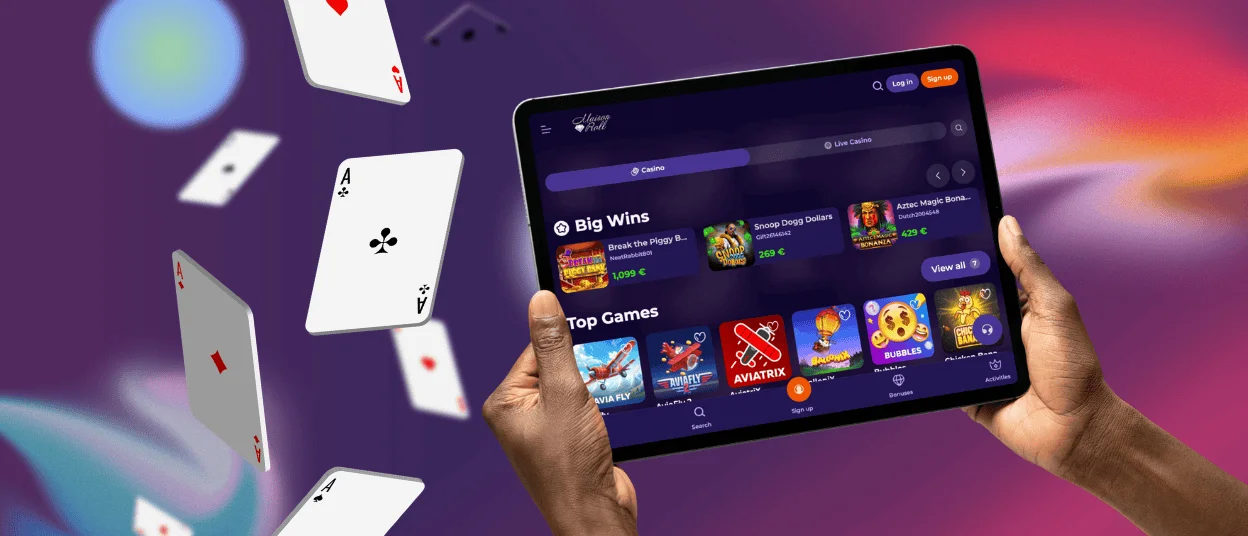
Maison Roll App for iOS
If you’re using an iPhone or iPad, you can also install our application without any problems.
- Click on the Casino App icon
- In the tab that opens, select “Add to Home Screen”
- Wait a few seconds
- Close the tab and go to your phone menu to check for the shortcut
- Tap it to launch the Maisonroll app
- Log in to continue playing
After that, you can also add an extra layer of protection against unauthorized access. To do this, touch and hold the installed Maisonroll Casino solution and select “Require Face ID”.
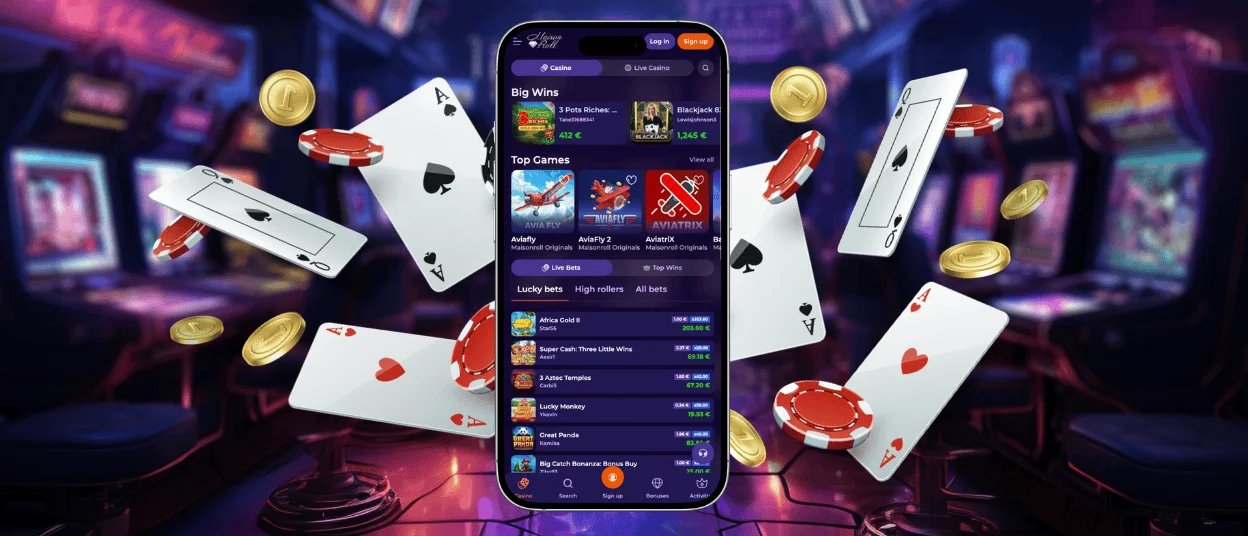
Desktop App for Windows and macOS
Mobile users aren’t the only ones who can benefit from a more convenient interface. The Maisonroll app can also be used in full-screen mode on a desktop – it’s compatible with macOS and Windows.
Once you install it, a separate icon appears on your taskbar. Just like any other program, you can move it or find it using the system’s search function.
As with other applications, deleting the shortcut won’t remove the app itself. So even if it happens by accident, your gaming progress at Maisonroll Casino will remain safe.
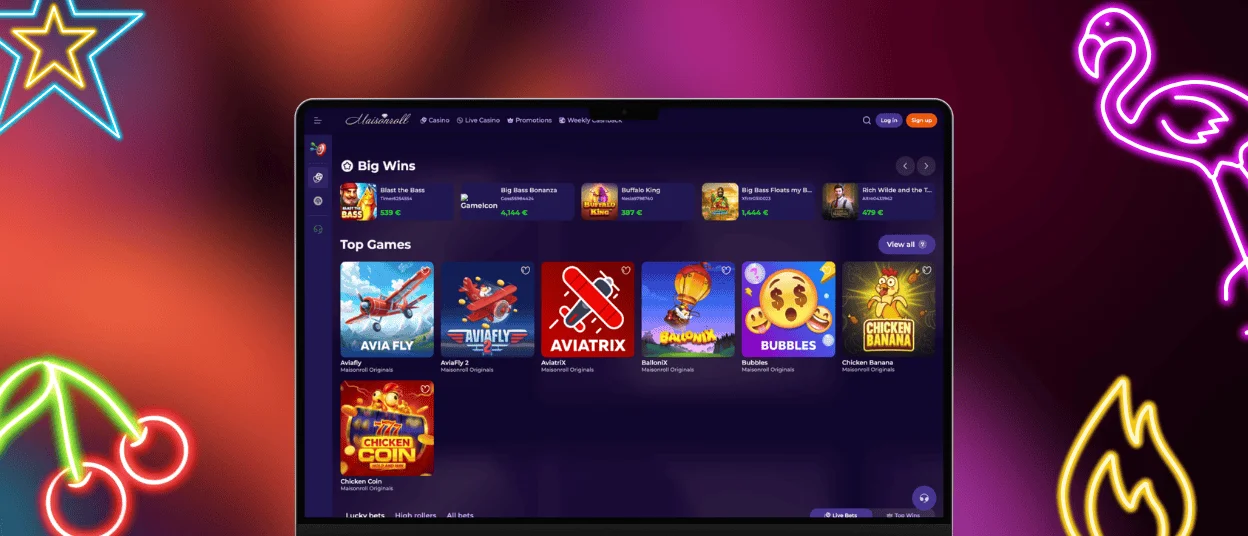
FAQ
Do I need to create an account to use the app?
No, if you already have one. If not, you can register at Maisonroll Casino right through our application. There, you’ll find a sign-up form where you’ll need to enter the required information.
Can I filter games on my phone?
Yes, the interface of our mobile solution is identical to the browser version of Maison Roll Casino. That’s why the magnifying glass icon is located in the same place. You can use it to find titles in categories such as online slots, live games and more.
Can I withdraw my winnings through the application?
In the Maisonroll app, you can make transactions using various payment methods – bank cards, cryptocurrency and other options. However, you’ll need to complete the verification process before your first withdrawal. If you have any issues with it, please contact our support team via the live chat button.


